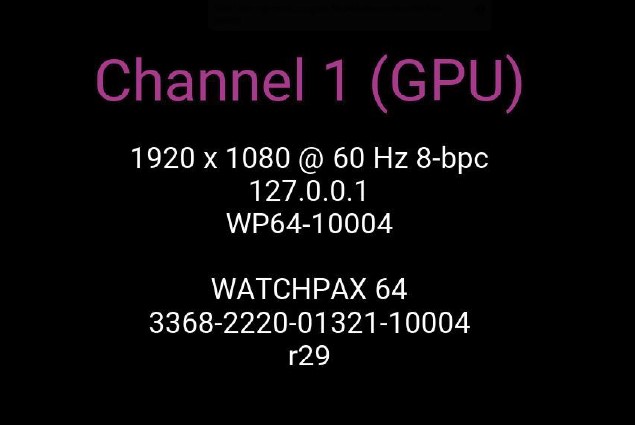
Start Up Screen
The startup screen is displayed on all connected display devices when the WATCHPAX 64 powers on.
The WATCHPAX 64 will always run WATCHOUT 7. It is not compatible with WATCHOUT 6.
The startup screen shows the following information:
- IP address — the current network address of the unit, used to access WATCHPAX Config and connect from WATCHOUT Producer.
- Serial number — the unique identifier for the unit (also printed on the base of the chassis).
- System image version — the installed version number, displayed after the serial number. See Media Server Operating System for details on system updates.