
Installation
Instructions for installing the WATCHPAX 64, including standalone and rack mounting options, and power on/off procedures.
General
- This equipment is for professional use for installation at locations where only adults are normally present. Check the "Safety First" list before use.
- The WATCHPAX 64 must be connected to a properly grounded wall socket (a socket-outlet with protective earth connection in the building).
- The serial number is located on the base of the unit.
Only use the power cord supplied with the WATCHPAX 64 unit, otherwise Dataton AB cannot guarantee full functionality.
Standalone Installation
Place the unit flat with the base down. Mount the four self-adhesive rubber feet (supplied) at the points indicated on the base of the unit.
Installation in 19-Inch Rack
The WATCHPAX 64 unit may be mounted in a 19-inch rack by using the optional rack kit. Please refer to separate instructions for rack assembly.
Power On
The WATCHPAX 64 starts automatically when AC power is connected — simply insert the power cord and the unit will begin its boot sequence without pressing any buttons.
If the unit was shut down via software (see Power Off below) while the power cord remained connected, press the power button on the front panel to start it again (see Connectors in the Introduction).
The WATCHPAX 64 also supports Wake-on-LAN (WOL), which allows the unit to be powered on remotely by sending a magic packet over the network to its Ethernet adapter. This can be useful when the unit is installed in a location that is difficult to access physically. See the Glossary for more on WOL.
First Power On
The first time you power up a WATCHPAX 64 (after delivery or after a reset) the system will finalize installation and reboot several times. This procedure will typically take about 5 minutes to complete.

Do not interrupt this procedure.
Power Off
Powering down should be initiated from within WATCHOUT Producer software.
When the power-off sequence is complete, the fans will turn off, and the power cord may be removed.
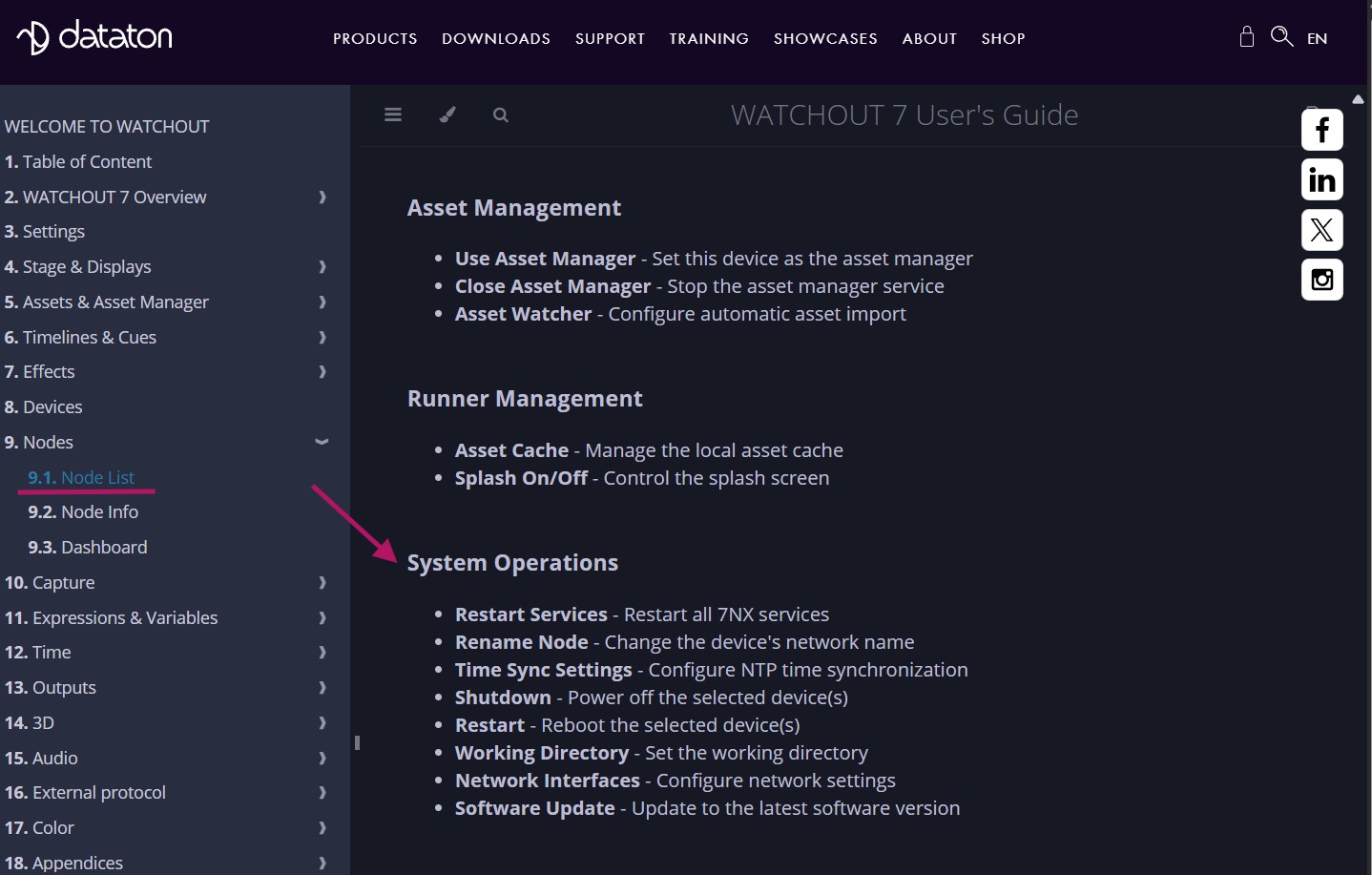
To power the unit down from within the WATCHOUT 7 Producer software, do the following: In the Nodes window, right click on your display device (the WATCHPAX 64 in this case) and select Shutdown. For more information, please refer to chapter 9.1: Node List in the "WATCHOUT 7 User's Guide".
It is also possible to power the unit down from WATCHPAX Config, a network-based UI.
If you are unable to shut down via the software, you can force shutdown with the power button as a last resort. Please be aware that this may cause data loss and system corruption. To force shutdown in this way, press and hold the power button located on the front of the media server (see Connectors in the Introduction) for at least 5 seconds. The light will then turn off and the power is cut.
Do not unplug the power cord during power-off, as this may cause data loss and system corruption.