
Introduction to WATCHPAX 50
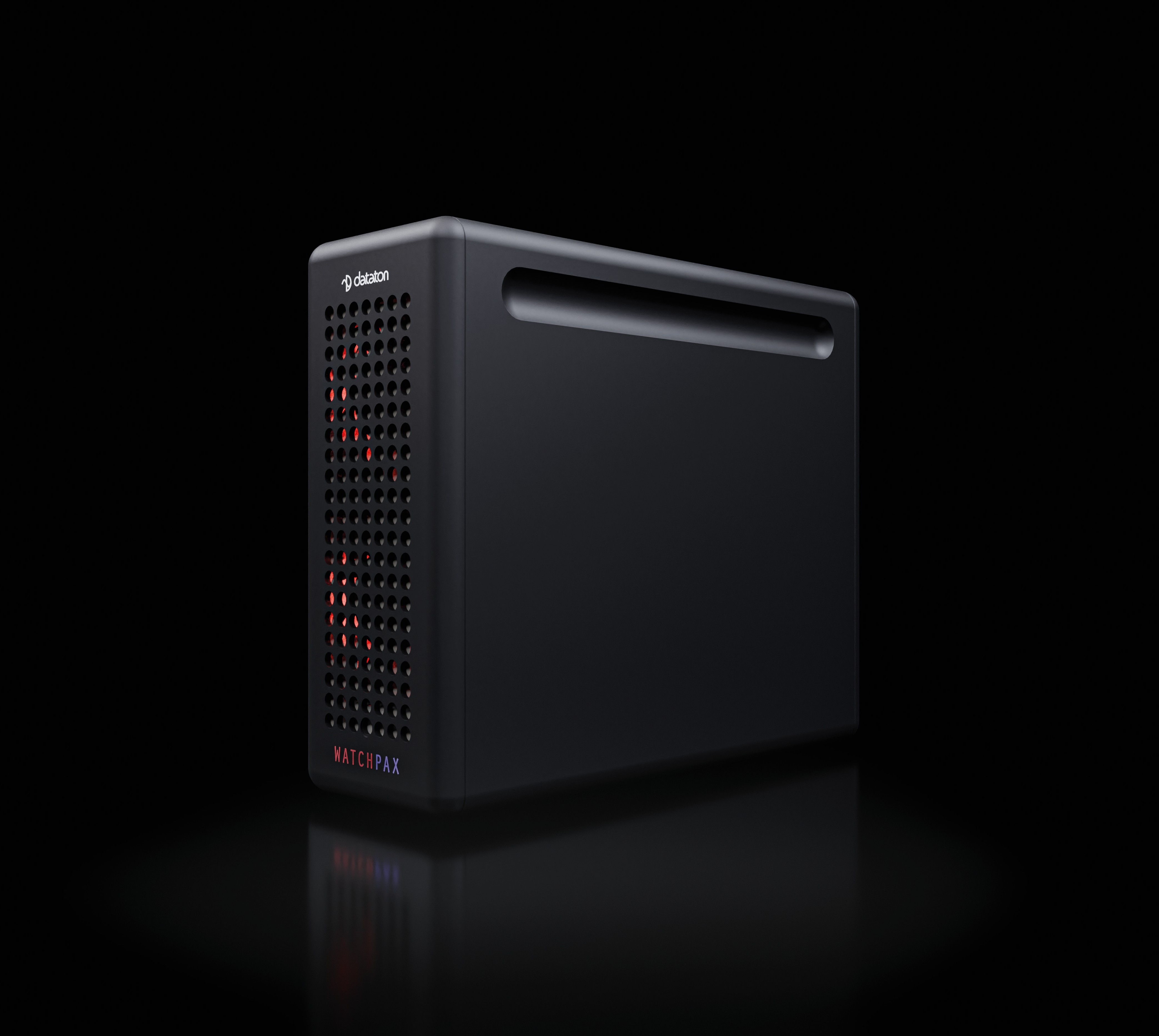
WATCHPAX 50 is a dedicated media server purpose-built to run Dataton WATCHOUT shows. Each unit ships with a built-in WATCHOUT 7 license, a locked-down operating system, and four Mini DisplayPort outputs capable of driving four independent 4K displays. Designed for live events, system integration, and fixed installations, the WATCHPAX 50 unites professional-grade performance, rugged reliability, and plug-and-play simplicity into a sleek 3 kg aluminium chassis.
The WATCHPAX 50 gives you all the advantages of Dataton's range of dedicated locked-down media servers in an ultra-compact form factor. Its small size makes it easy to transport, while practical details like rubber bumpers and optional rack mounting keep it secure on site.
Key Specifications
| Category | Specification |
|---|---|
| Display outputs | 4 x Mini DisplayPort (DisplayPort 1.4 via included adapters) |
| Networking | Ethernet (RJ45) |
| USB | USB ports for peripherals |
| Audio | 3.5 mm stereo jack (2 channels); DisplayPort embedded audio (2 channels); Dante-ready (license sold separately) |
| Power | IEC 60320 C6 inlet, 100--240V AC, max 250 W |
| Dimensions | 72 x 176 x 215 mm (W x H x D) |
| Weight | Approx. 3 kg (6.6 lbs) |
| Operating temperature | 0°C to +40°C |
| Software | WATCHOUT 7 (built-in license, not compatible with WATCHOUT 6) |
Display Pipeline
The WATCHPAX 50 drives four Mini DisplayPort outputs. Display configuration is managed through WATCHPAX Config, a browser-based interface accessible on the same network on port 3024. From WATCHPAX Config you can:
- Configure EDID emulation -- override native display identification data to ensure all outputs report identical capabilities. See EDID Emulation.
- Create mosaic grids -- combine multiple physical outputs into a single unified canvas. See Enabling Mosaic.
- Manage GPU topology and display settings -- view the logical arrangement of GPU outputs and configure resolution and refresh rate.
For definitions of technical terms used on this page and throughout the documentation, see the Glossary.